Skip to content
English
  • There are no suggestions because the search field is empty.

How do I use Tukios new AI music Generator?

Learn how to use Tukios AI Music in the video platform to create a personalized song for your families.

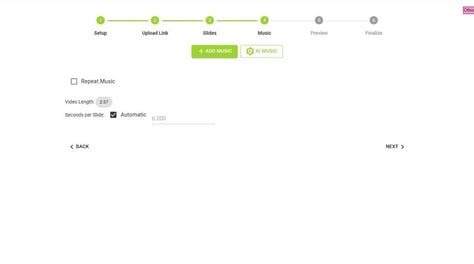
1. Navigate to the "Music" section
2.  Click "AI Music"

3. Click "Create New Song"

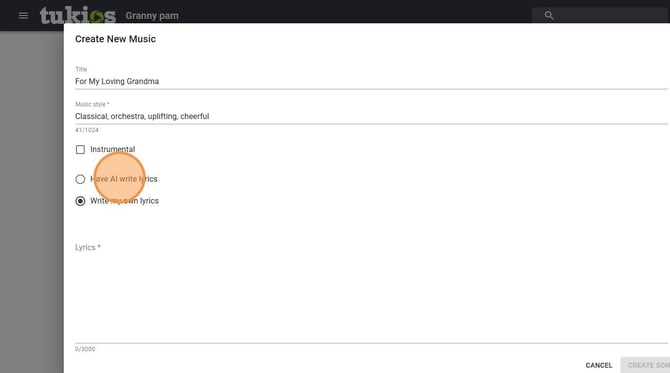
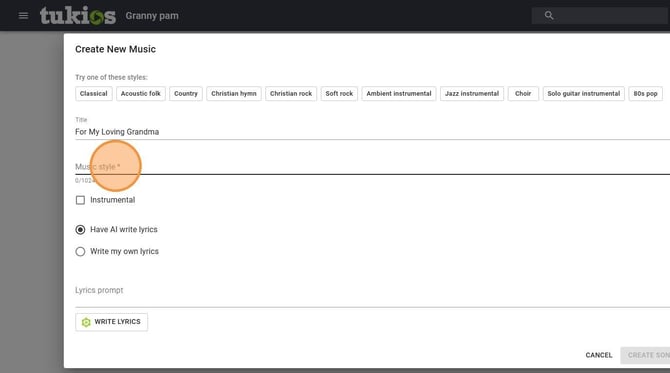
4. Provide a title

5. You can give it a style or select one of our provided styles

6. You can choose if you want it to have lyrics or just be instrumental

7. You can write the lyrics your self or give the AI a small prompt to create them for you

8. If you choose to have AI write the lyrics click "Write Lyrics" after providing some information

9. Click "Create Song" when you are done

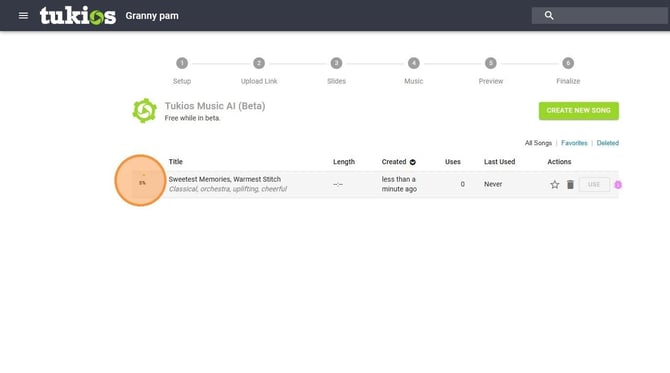
10. You will get a loading percentage and can take a few minutes

11. Click play arrow icon to preview the song then click Use on the left when you are ready

If you have any other questions, please feel free to email or call us.

support@tukios.com  |  801.682.4391